How to Choose a Messaging App: Privacy, Features and Reach
Most people choose a messaging app for one reason: everyone they know is already on it. That is a perfectly good reason. It is also why many of us have never looked at what the app does with our messages. If you are choosing a new one, or adding a private one alongside your usual app, a little checking is worth the time.
This guide is not about declaring a winner. The best app depends on who you talk to, what you share and what you are worried about. Here is how to work that out.
Start with your own situation
Ask yourself three questions.
- Who do I need to reach? Family, clients, a community, a team?
- What am I sharing? Holiday photos are different from business documents, and both are different from anything sensitive.
- What am I worried about? Advertisers, strangers, an employer, the company that runs the app, or someone picking up your unlocked phone?
Different worries need different tools. An app that is excellent at keeping messages from advertisers may do very little if someone has your phone and your passcode.
What encrypted really means
The word is used loosely, so it helps to know the three things people usually mean.
- Encryption in transit. Messages are protected on their way between your device and the company’s servers. The company itself can still read them.
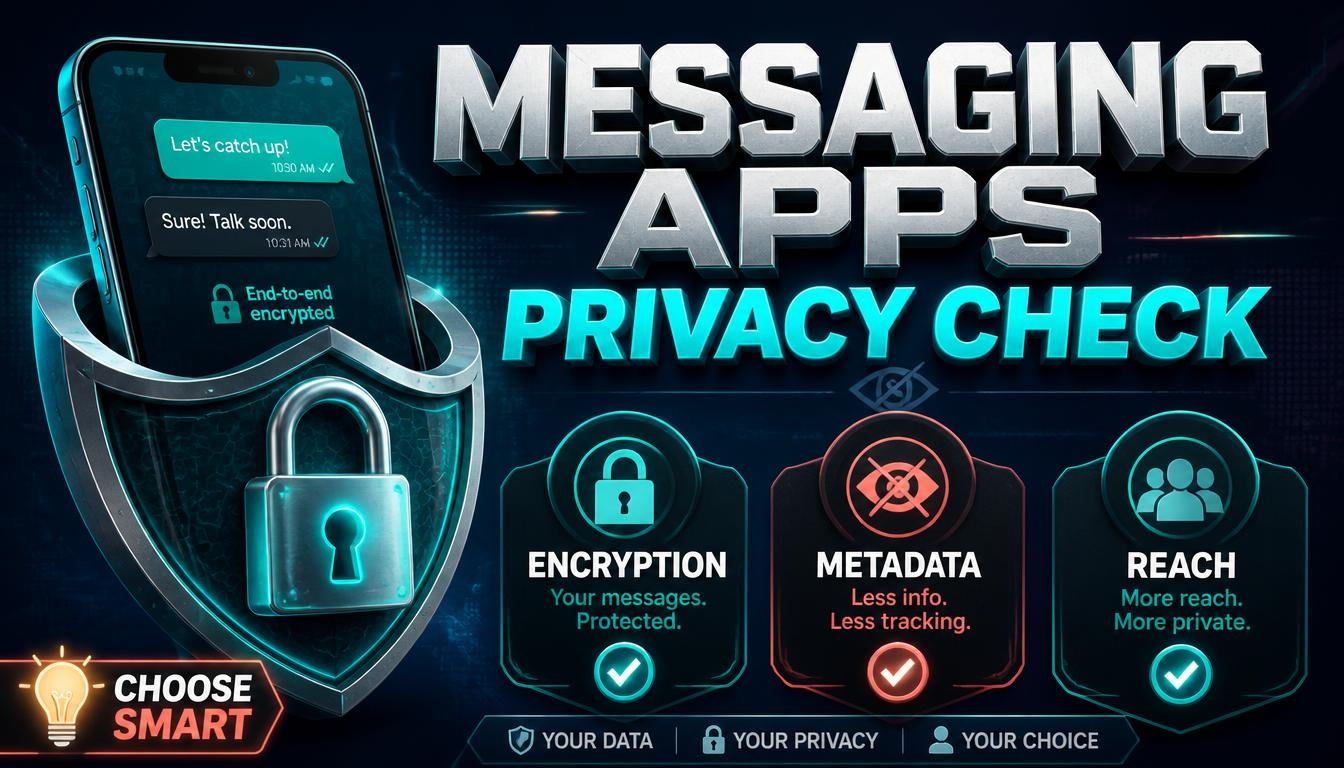
- End-to-end encryption. Only you and the person you are talking to can read the messages. The company cannot. Check whether it is switched on by default for every chat, including groups, or whether it only works in a special mode you must turn on for each conversation.
- What encryption does not cover. Metadata, meaning who you talk to, when, how often and from which address. Cloud backups, which are not always protected in the same way unless you choose that option. Screenshots. And a phone that has been compromised.
Be wary of vague claims such as “military-grade encryption”. They mean nothing. Look for a plain explanation of what is encrypted, when and for whom.
The checklist
1. Encryption by default, including groups. An option you have to remember to switch on is an option most of your contacts will never use.
2. How the company handles metadata. Read the privacy policy for what it logs, whether it uploads your contact list, and how long it keeps data. Some services publish reports on how often they receive data requests and how they respond.
3. Open code and independent review. An app whose encryption can be inspected, and has been reviewed by independent experts, gives you more to go on than a closed claim. It is not a guarantee, but it is a better sign.
4. Account requirements. Some apps require a phone number, which ties your identity to the app and can expose the number to people in your groups. Others allow usernames. Think about what a phone number reveals about you.
5. Backups and new devices. How do you move to a new phone? Are backups protected? Easy recovery and strong privacy can pull in opposite directions, so know which one you are getting.
6. Features you will actually use. Group size limits, voice and video quality, file size limits, disappearing messages, desktop apps, support for several devices, channels for broadcasting and polls.
7. Reach. A private app that nobody you know uses is useless. Check that it works on the phones and computers your contacts have, and that they are willing to install it.
8. How the company makes money. Subscriptions, donations, a larger company with other products, or advertising? None of these is automatically bad, but if you cannot see how a service earns money, ask why.
9. Reliability and longevity. How long has it existed? What happens to your data if it shuts down? Can you export your chat history?
10. Safety controls. Blocking, reporting, and settings that control who can add you to groups or find you by your number.
Everyday habits that matter more than the app
- Turn on two-step verification wherever it is offered.
- Lock the app and the phone, with a short auto-lock time.
- Keep the app updated.
- Check your linked devices from time to time and remove any you do not recognize.
- Use disappearing messages for sensitive conversations, but remember the other person can still take a screenshot.
- For important contacts, verify identity using the app’s verification feature or through another channel.
- Be careful with links and files, even from friends, because accounts do get hijacked.
Scams to know about
Messaging apps are a favorite place for scams. Common ones include fake support accounts, messages from a friend who “lost their phone” and needs money, investment or crypto tips from strangers, and links to fake login pages.
One rule covers many of them: never share the verification code you receive by text or in the app. Anyone who asks for it wants to take over your account. Also be suspicious of anyone who moves you quickly from a public place to a private chat and starts talking about money.
Try before you commit
Install the app and use it with one or two friends for a week. See how it handles groups, notifications, backups and linked devices, and look through the settings to find out what you can control. If you can, test recovering your account on a spare device. Switching later is much easier if you have not put everything in one place.
To compare options, browse our Communication Tools category. Rankings on LA Rank combine visitors measured by our tracking pixel, outbound clicks from our users, member upvotes and member reviews. That reflects interest and community feedback, not privacy or security, so do your own checks. A green Verified badge means the owner installed the pixel, and sites marked No pixel appear below those with measured traffic. We list tools but do not endorse them.