
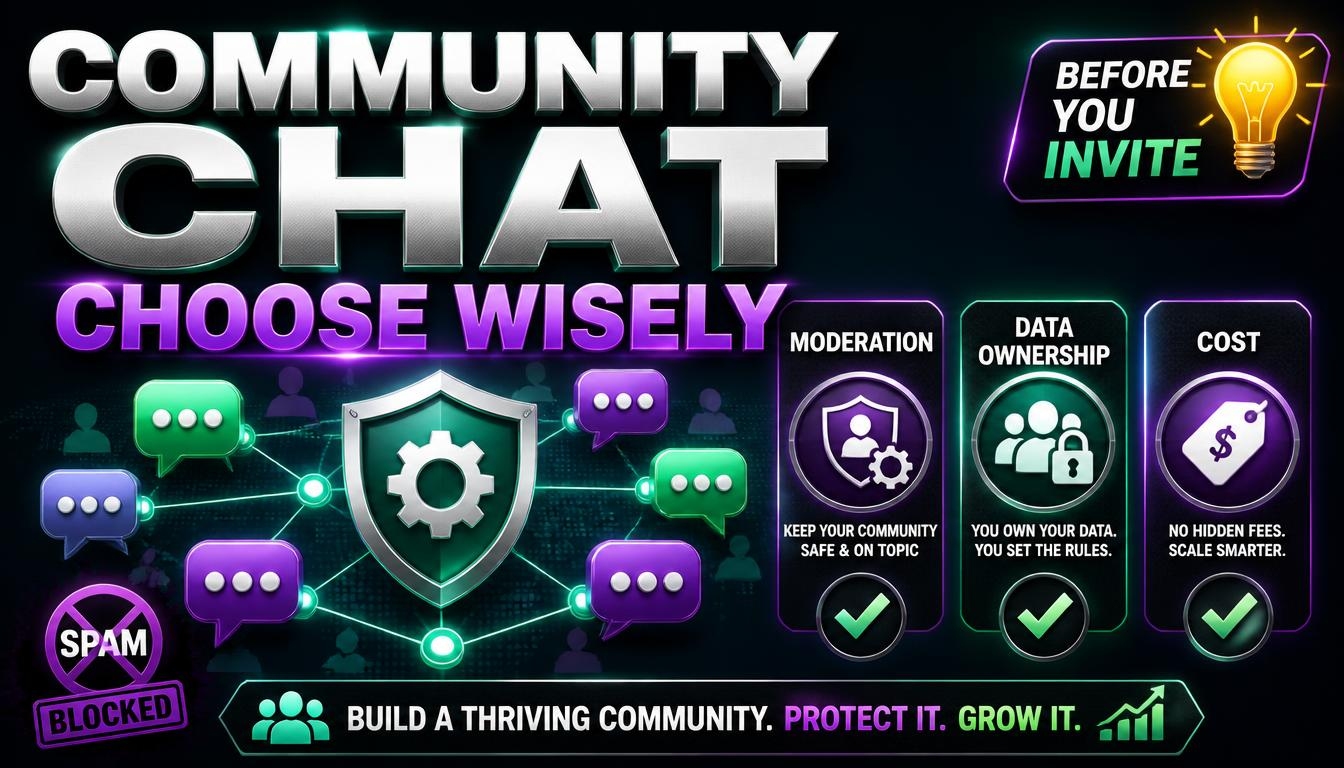
How to Choose a Community Chat Platform for Your Group
Starting a community used to mean a forum or a mailing list. Now it usually means a chat space: a server, a group or a workspace where people talk in real time. It takes five minutes to create one. It is much harder to run one that is still healthy, searchable and manageable a year later, and the platform you choose has a lot to do with that.
Decide what the space is for
A support space for customers, a hobby community, a team, a course and an event all need different things. Real-time chat is great for quick conversation and poor at keeping knowledge, because messages scroll away. If you want answers to be found later, check how search, threads and pinned messages work, or plan to keep a separate help page or knowledge base alongside the chat.
The checklist
1. Moderation tools. Look for roles and permissions, muting and timeouts, bans, slow mode, message deletion, activity logs and a way for members to report problems. Check that several moderators can work without sharing one admin login, and that you can restrict who can post links or files.
2. Spam and raid protection. Communities attract spam quickly. Look for verification steps for newcomers, limits on what brand-new accounts can do, and automatic filters for repeated messages and links. Ask how the platform deals with people who come back with new accounts.
3. Structure. Channels, categories, threads and private areas for moderators. A small group may need only three channels. A large one needs structure, but too many channels too early makes a space feel empty.
4. Search and history. Can new members read what was said before they joined? Is the search any good? Some free plans limit how far back you can see, which matters if people ask the same questions repeatedly.
5. Bots and integrations. Bots can welcome newcomers, filter spam and post announcements. They can also be a risk. Add bots only from developers you trust, give each one only the permissions it needs, and never give a bot full admin rights just to make it work.
6. Cost and limits. Free plans often limit history, file sizes, members or integrations. Paid plans may charge per member, which grows as you grow. Work out what it would cost at ten times your current size.
7. Data ownership and export. Can you export messages and your member list? If the platform changes its rules, closes your community or bans your account, what do you keep? Store your rules, guides and important links somewhere you control.
8. Privacy, safety and age rules. Consider whether young people may join, how the platform handles reports and what rules apply to your members’ data. If your group handles customer information, check retention settings and who can see what.
9. Reliability and platform risk. Outages happen, policies change and accounts get suspended. Do not make one platform the only place your community exists. A website and a mailing list let you reach members if you ever need to move.
10. Ease for newcomers. Joining should take a minute. Check the mobile apps and the notification controls, because notification overload is one of the main reasons people leave busy groups.
Community chat or business chat?
Business chat tools focus on admin control, retention settings, single sign-on, audit logs and per-user pricing, and they connect with other work tools. Community tools focus on open invitations, roles, scale and moderating strangers. Using a business tool for a large public community can be expensive. Using a community tool for sensitive company work may lack the controls you need.
Setting up well
- Write a short set of rules and pin it where newcomers see it first.
- Create a few clearly named channels instead of twenty empty ones.
- Appoint moderators early and agree how decisions get made.
- Welcome new members personally if you can. The first weeks set the tone.
- Review the permissions on every role, especially who can invite others, mention everyone or post links.
Common mistakes
- Creating too many channels too early.
- Having no moderation plan until the first problem appears.
- Giving admin rights to people you barely know.
- Relying on one platform with no backup way to contact members.
- Ignoring notification fatigue.
- Inviting everyone before there is a culture worth joining.
Try a small pilot
Invite about ten people and run the space for two weeks. Watch what confuses them, what the moderators struggle with and what it costs. Fix the easy problems first, then grow. If the platform turns out to be wrong for you, it is much cheaper to change at ten members than at ten thousand.
Looking for platforms to compare? Browse our Communication Tools category. Rankings combine visitors measured by our tracking pixel, outbound clicks from our users, member upvotes and member reviews. A green Verified badge means the owner installed the pixel, while No pixel means the traffic is unmeasured. We list tools but do not endorse them, so test with a small group before you invite your whole community.