How to Choose a Crypto Price Tracker and Portfolio App
A price tracker shows you what coins cost. A portfolio app goes further: it shows what you own, what it is worth and how it has moved. They are useful, but they also ask you for things, such as wallet addresses, exchange access and personal details. Before you connect anything, it helps to know what you are choosing between.
What these tools do
- Price trackers show prices, charts, market size and volume for thousands of coins.
- Portfolio trackers add your holdings and show your total value and performance.
- Alert tools notify you when a price or other condition is met.
- Tax and reporting tools collect your transactions and produce reports. Rules vary by country, so check that a tool covers yours.
The checklist
1. Where the data comes from. Prices differ between exchanges, and a tracker usually shows an average or a chosen source. Look at whether it explains this. For small or new coins, the numbers can be thin or misleading.
2. Coverage. Does it support the coins, blockchains and exchanges you use? A tool that misses half your assets will give you a wrong total.
3. How it connects to your holdings. This matters most, so here are the options from safest to riskiest:
- Typing in your holdings by hand.
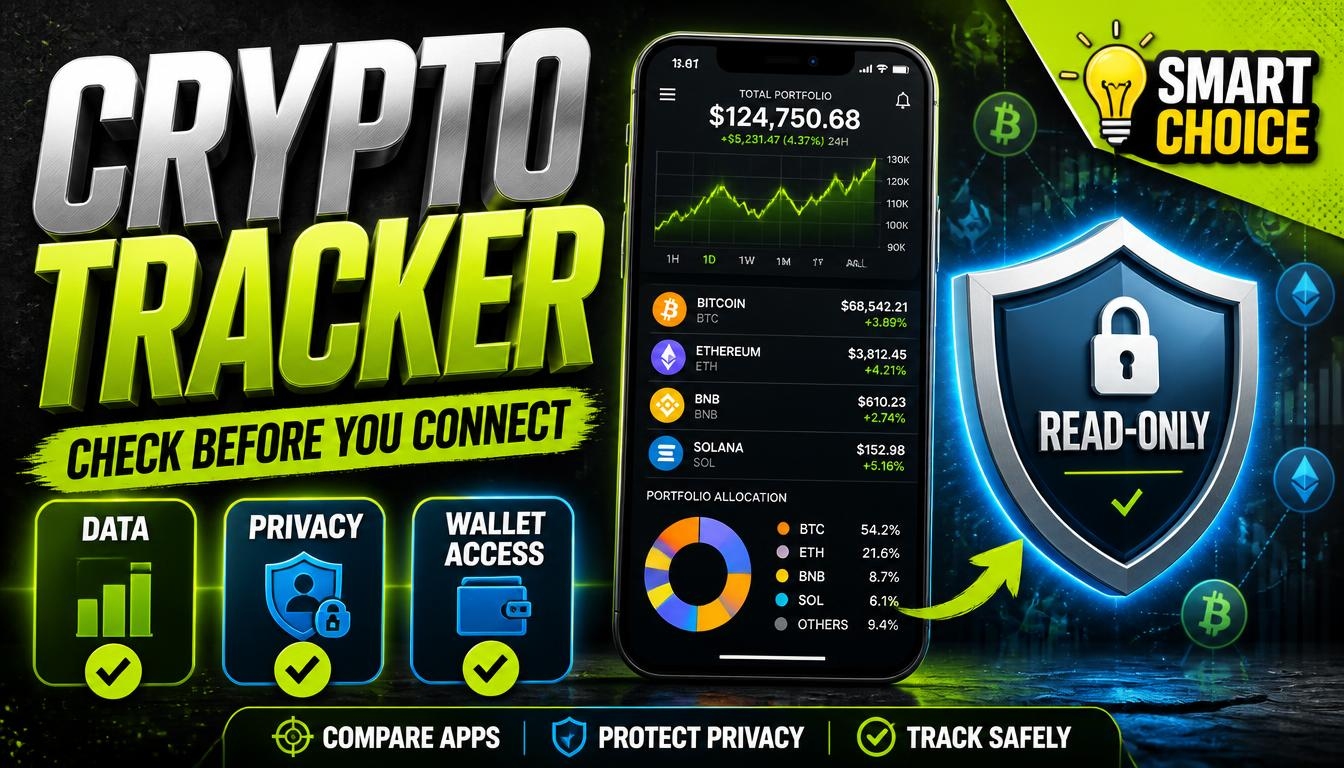
- Adding a public wallet address, which lets the app see balances but not move anything.
- Using read-only API keys from an exchange.
- Connecting a wallet through a browser prompt, which needs care because some prompts ask for permissions you should not give.
- Anything that asks for a recovery phrase or private key. Never do this. No genuine tracker needs it.
4. Permissions. If you use API keys, create read-only keys with no trading and no withdrawal permission, and limit them to the tool’s addresses if the exchange allows. Review them from time to time and delete old ones.
5. Privacy. Linking your addresses lets the service see your holdings, and public addresses can be tied to you. Think about whether you are comfortable with that. Read what data the service keeps and whether it shares it.
6. Alerts you can rely on. Test alerts with a price you expect to be reached soon. An alert that arrives late or never is worse than none.
7. Features you actually need. A simple list with a total may be enough. Do not pay for advanced charts, tax reports or decentralized finance tracking if you will not use them.
8. Cost and limits. Free plans often cap the number of wallets or transactions. Check what the limits are and what happens when you reach them.
9. Exporting your data. You should be able to download your data, for example as a spreadsheet, so you are not stuck if you change tools or the service closes.
10. Reputation. Check reviews, how long the tool has existed and who runs it. Download apps only from the developer’s official store page; fake copies of popular apps are a known trick.
Red flags
- Requests for your recovery phrase or private key.
- Pop-ups claiming your wallet needs to be “validated” or “synced”.
- Promises of guaranteed returns or secret trading signals.
- Apps that look like well-known ones but come from an unknown developer.
- Pressure to subscribe immediately or lose access.
Start small
Use a new tool first with a small test portfolio or with manual entries. If it behaves well for a few weeks, add more. And remember that a tracker only reports; it does not protect or manage your funds, so the safety of your holdings still depends on how and where you store them.
If you are comparing tools, browse our Crypto Data & Tools category. Rankings on LA Rank combine visitors measured by our tracking pixel, outbound clicks from our users, member upvotes and member reviews. A green Verified badge means the owner installed the pixel, and sites marked No pixel appear below those with measured traffic. We list tools but do not endorse them, so check permissions carefully and start with a small test.