
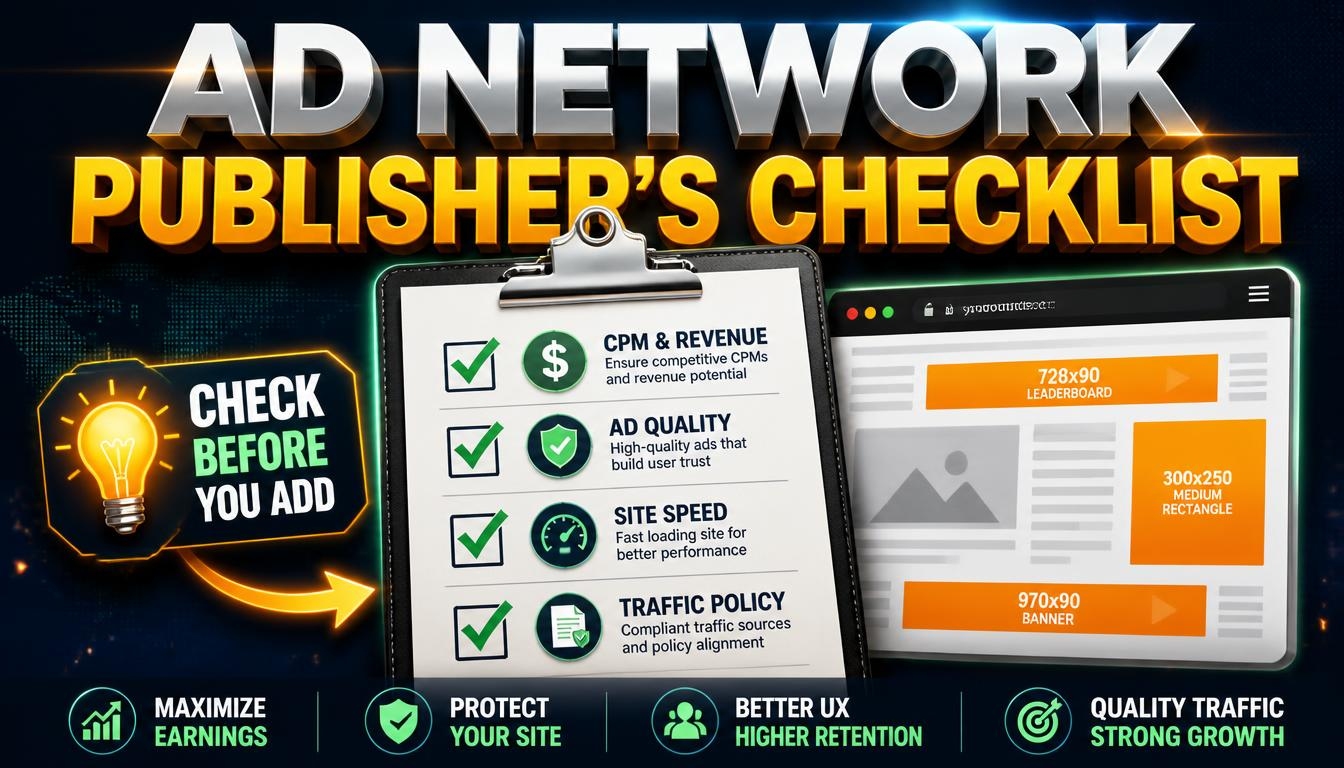
Adding ads to a website sounds like the easy part of making money from it. You paste a snippet, the ads appear, and the money arrives. Then reality turns up: a payout threshold you never reach, ads that slow your pages to a crawl, or an account closed with no explanation.
An ad network sits between you and the advertisers who want to reach your visitors. A good one fills your ad slots with relevant ads, pays you on time and leaves your site working. A poor one does none of that. These eight checks will help you tell them apart before you commit.
1. Check that your site actually fits
Networks have entry rules. Some want a minimum amount of traffic, some only accept certain countries or languages, and many restrict content such as adult, gambling or crypto material. Read the eligibility page first. It saves you from applying to networks that will reject you, and it tells you which networks are realistic for a site your size.
2. Understand how you are paid
You will see three pricing models. CPM pays per thousand ad impressions, CPC pays per click, and CPA pays when a visitor completes an action such as signing up. Do not compare headline rates between networks; they measure different things. What matters is your RPM: the revenue you earn for every thousand visits to your own pages. The only way to learn it is to run a network on your site and measure.
3. Read the payout rules
Look for the minimum payout, how often payments are made, which methods are offered and what fees apply. Check the delay between earning and being paid, which can be a month or more. Find out what happens to an unpaid balance if your account is closed. A network that makes this hard to find is telling you something.
4. Judge the ad quality
Visit sites that already run the network and look at the ads. Pop-ups, forced redirects and ads that play sound on their own make visitors leave and complain. Look for controls that let you block categories or specific advertisers. Ads that push downloads or imitate fake warnings are a sign of a low-quality network.
5. Measure the effect on your pages
Every ad script adds weight. Test your page speed before and after, especially on mobile. A network that pays a little more but makes your pages noticeably slower can cost you more in lost visitors than it earns.
6. Know the traffic rules
Networks forbid invalid traffic: clicking your own ads, asking others to click, and traffic that is bought, automated or exchanged for credits. The penalty can be a closed account and forfeited earnings. Do not use traffic from exchanges or similar sources to inflate your impressions; the money is not worth the risk.
7. Check support and reporting
Can you see your earnings in near real time? Can you reach a person, and do they answer in plain language? If the network cuts your earnings because of traffic it considers invalid, will it tell you why? You want answers, not templates.
8. Start small and keep your options open
Begin with one or two ad slots on a few pages. Run the network for at least two weeks, compare it with an alternative, and look at earnings per thousand visits as well as the effect on your pages. Avoid exclusive contracts early on, and keep your ad code somewhere you can swap it easily, such as a tag manager.
Red flags
- Promises of guaranteed or unusually high earnings.
- Fees to join or to “verify” your account.
- No company details, no contact page and no named people.
- Pressure to install software or plugins you do not understand.
- Terms that change without notice.
Keep expectations realistic
Ad income follows traffic and audience. A small site earns a small amount whichever network it uses, so the best investment is usually better content and more visitors, not a hunt for the perfect network. Choose a network that is honest, pays on time and leaves your site fast, then give it time.
Looking for networks to compare? Browse our Ad Networks category. Rankings on LA Rank combine visitors measured by our tracking pixel, outbound clicks from our users, member upvotes and member reviews. A green Verified badge means the owner installed the pixel, and sites marked No pixel appear below those with measured traffic. We list networks but do not endorse them, so read the reviews and the payout terms before you sign up.